


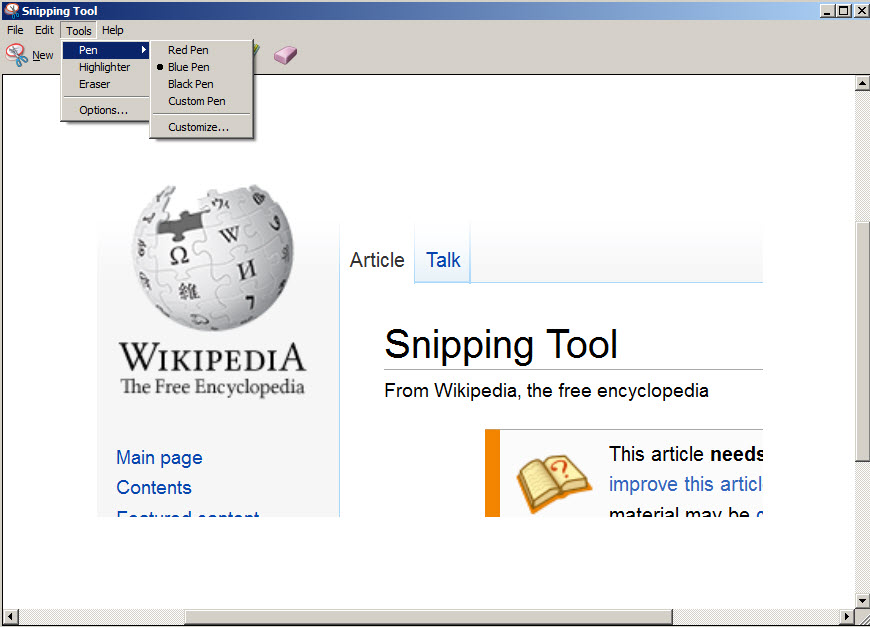

Snipping Tool is an utility already incorporated in Windows Vista/7/8 and newest. To find it, press “Start” button and search “snipping tool” and the program shortcut will appear. You can drag it to desktop to be more accessible later.
Snipping Tool is made by Microsoft and allows to capture screenshots in any shape. You can choose Free-form snip to draw with your hand on the screen the region or area that you want to capture, grab a rectangular area, an entire window or entire screen.
After you get the image (snip), you can draw lines and highlight different areas. An “Eraser” button will allow to delete/erase custom parts from image.
Save screen capture as image (PNG, GIF, JPG) or as HTML. Copy to clipboard or send it by email.