

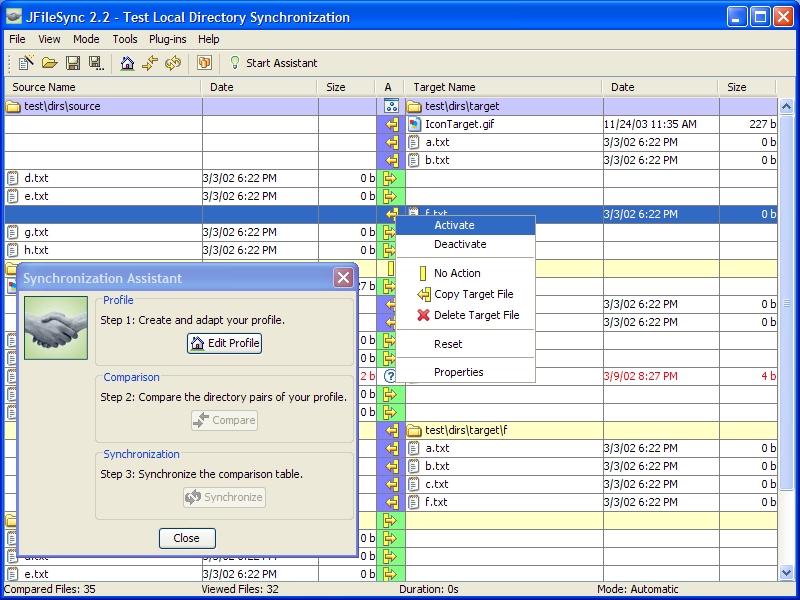
JFileSync will create a profile with two folders: one as source and another one as destination. Then will compare those 2 folders and you can easily synchronize files that you want from source folder to destination.
It has a simple and easy to use graphical interface, but also is available to use as command line.
Interface displays many details such as list with files, date, size, number of compared files and more. A “Smart assistant” option is available to help to set your backup profiles.
It saves errors in an error log file.


